Used CNC Machine Inspection: Critical Checks Before Buying
A used CNC purchase requires a structured inspection to verify spindle alignment, axis backlash, hydraulic pressure, and control function. This checklist helps buyers identify hidden defects and avoid overpaying for machines with short service life remaining.
- Inspect spindle runout and thermal growth before accepting a machine as operationally sound.
- Check axis backlash and repeatability to detect worn ballscrews or guideways.
- Review maintenance logs and coolant history to estimate remaining component life.
- Test all safety interlocks and E-stop functions during the demonstration run.
- Verify control system compatibility and software licensing before finalizing a CNC purchase.
Buying a used CNC machine often means buying history. The seller may describe the unit accurately, but the machine itself holds the truth. A defect in the spindle bearing or a worn ball screw can cost more than the machine itself if it is discovered after installation. The risk is not just financial. It is operational. A machine that fails during a production run halts the line and damages the reputation of the shop.
A proper used machine inspection is not a formality. It is a technical evaluation that protects your capital. The goal is to verify that the machine performs to its rated specifications and that the major wear components have acceptable life remaining. You are not just checking if it turns on. You are auditing the mechanical integrity of a complex assembly of motors, drives, hydraulics, and precision guides.
Spindle Health and Alignment
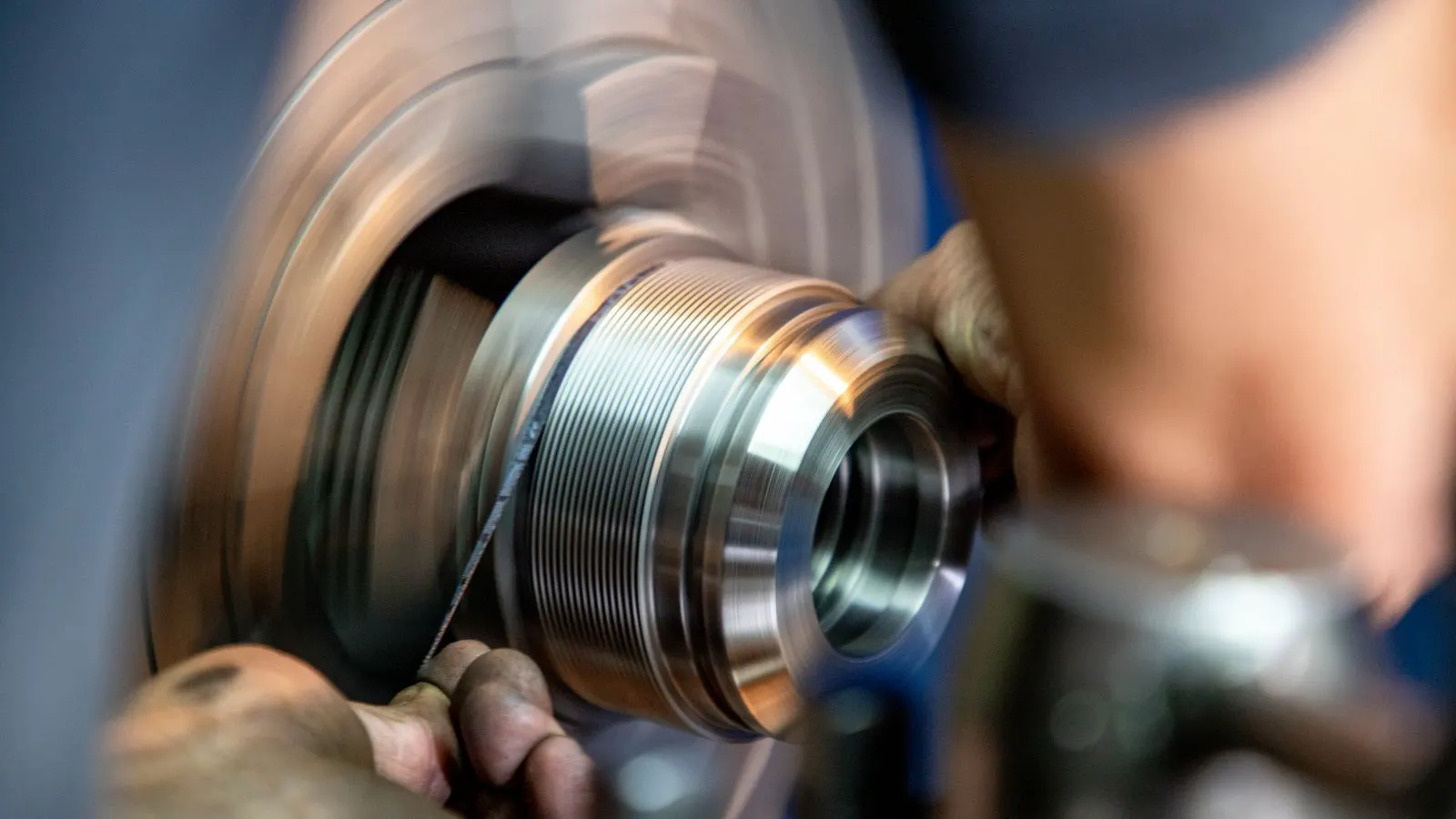
The spindle is the most expensive and sensitive component of the machine. It must be checked under load, not just at idle. Idle checks often mask issues that appear during actual cutting. Heat, vibration, and torque all affect the spindle in ways that a static inspection cannot reveal.
- Run the spindle at low speed and measure runout with a dial indicator on the tool holder. Place the indicator on the shank of a precision tool or a test mandrel. Check both axial and radial play.
- Increase speed in increments and monitor runout again. Runout should remain within the manufacturer’s tolerance. If the runout jumps significantly at a specific RPM, it may indicate an imbalance or a failing bearing race.
- Apply a cutting load with a standard tool and observe vibration or noise changes. Use a known good end mill or drill. Listen for changes in pitch. A healthy spindle sounds like a steady hum. A failing one may whine, rattle, or thud.
- Check spindle taper seat for wear. A tapered seat that shows scoring indicates poor tool retention. Even minor scoring can cause runout and tool breakage.
- Inspect the spindle housing for oil leaks. Persistent leaks often point to failed seals or worn bearings. A small seep today can become a flood tomorrow, contaminating the bearings and causing catastrophic failure.
Red flags: Runout that increases significantly with speed. Vibration that changes pitch during a cut. Oil seepage around the spindle collar. A tool holder that does not seat flush. A spindle that requires constant rework to maintain tolerance.
Axis Performance and Backlash
The X, Y, and Z axes define the machine’s precision. Worn ballscrews or guideways introduce error that cannot be corrected by software. Software can compensate for minor deviations, but it cannot fix mechanical play that causes the tool to miss the target by a measurable amount.
- Move each axis to its full travel in one direction, then reverse. Measure the gap with a dial indicator. Use a dial indicator on the table or a fixture attached to the axis. Measure the play at the center of the travel and at the ends.
- Check for binding or rough spots in the feed motion. Listen for grinding or clicking. Feel for resistance when pushing the table by hand (if safe to do so). Binding often indicates a lack of lubrication or a misaligned guideway.
- Run a squareness test on the table. Measure diagonals and compare them. A square table ensures that parts are cut true. If one diagonal is significantly longer than the other, the table is out of square.
- Verify that the axis limit switches trigger correctly at both ends of travel. These switches prevent the machine from crashing into the mechanical stops. If they fail, the machine can suffer severe damage.
- Inspect the ballscrew for visible wear, contamination, or missing lubrication. Look for discoloration or pitting on the screw surface. Check for oil droplets that have dried and left a residue.
Red flags: Backlash that exceeds the machine’s nominal tolerance. Table that drifts when idle. Axis that makes grinding or clicking sounds during movement. Diagonals that do not match within specification. A ballscrew that is visibly dirty or damaged.
Hydraulic and Pneumatic Systems
Hydraulics drive the spindle brake, clamping, and often the coolant pumps. A weak hydraulic system causes slow clamping and poor tool retention. Pneumatics handle air blow-off and often the tool changer. Both systems are critical for machine reliability.
- Check the hydraulic reservoir level and oil condition. Look for milky oil or metal particles. Milky oil indicates water contamination. Metal particles suggest internal wear or failure.
- Monitor the pressure gauge during a full cycle. Pressure should remain stable. Fluctuations can indicate a leaking pump, a clogged filter, or an air-locked line.
- Test the spindle brake. The tool should stop immediately when commanded. A delayed stop can cause the tool to fly out of the holder or damage the workpiece.
- Inspect hydraulic hoses for cracks, bulges, or seepage. Hoses are under constant pressure. A small crack can burst under load, causing oil to spray and damaging electrical components.
- Check air pressure and moisture levels. Moisture in the air lines corrodes fittings and valves. Run the air compressor for a cycle and check the moisture trap. If the trap is full, the compressor or the trap needs servicing.
Red flags: Pressure that drops when the machine runs. Oil that smells burnt or looks dirty. A brake that takes more than a second to stop the spindle. Hoses that are chafed or cracked. Air lines that leak at the fittings.
Control System and Software
The control system is the brain of the machine. It must execute programs without error. The control system interprets the G-code and sends signals to the motors and drives. If the control is faulty, the machine will not run correctly, no matter how good the mechanics are.
- Load a simple test program and run it at full speed. Use a program that exercises all axes and includes rapid moves, feeds, and spindle changes. Watch for errors or pauses.
- Verify that all axis movements match the programmed coordinates. Use a dial indicator or a laser interferometer to measure the actual position of the axes. Compare the measured position to the programmed position.
- Check that the alarm log is clear or contains only minor, resolved issues. A long alarm log indicates that the machine has had problems in the past. Some alarms are harmless, but a pattern of alarms is a warning sign.
- Confirm that the control software is up to date and that licenses are valid. Some controls require periodic license renewals. If the license has expired, the machine may not start.
- Test all soft limits and hard limits. They must stop the machine safely. Soft limits are programmed in the control. Hard limits are physical switches at the ends of travel. Both are critical for preventing crashes.
Red flags: Random alarms during execution. Missing axis parameters. Software that requires a license key that is no longer available. A control system that is outdated and difficult to service. A control that freezes or reboots during a program.
Coolant and Lubrication
Coolant and lubrication systems keep the machine clean and reduce wear. Neglect here leads to rapid degradation of moving parts. Coolant removes chips and heat. Lubrication reduces friction between moving parts. Both systems are essential for long-term machine life.
- Check the coolant tank for sludge, mold, or a foul odor. Sludge indicates that the coolant is not being filtered properly. Mold indicates that the coolant is contaminated with organic matter. A foul odor is a sign of bacterial growth.
- Verify that the coolant concentration is within the recommended range. Use a refractometer to measure the concentration. Too low a concentration allows bacteria to grow. Too high a concentration can cause corrosion and poor chip evacuation.
- Inspect the lubrication lines for clogs or leaks. Clogged lines prevent oil from reaching the guideways and ballscrews. Leaks waste oil and can create a mess that attracts dust.
- Check the oil level in the lubricator reservoir. A low level indicates a leak or that the lubricator is not working. The lubricator should cycle regularly to keep the oil fresh.
- Look for oil on the ways and guideways. Excess oil attracts dust and creates an abrasive paste. This paste wears down the guideways and ballscrews. Wipe the ways and check for a thin film of oil, not a thick layer.
Red flags: Coolant that smells like a sewer. Oil that is thin or contaminated. A lubricator that is not cycling. Dust accumulation on the ways. Coolant that is cloudy or has a green tint.
Safety and Interlocks
Safety features must work before the machine is even considered for production. A machine that is not safe is a liability. It can hurt the operator and expose the shop to legal risk.
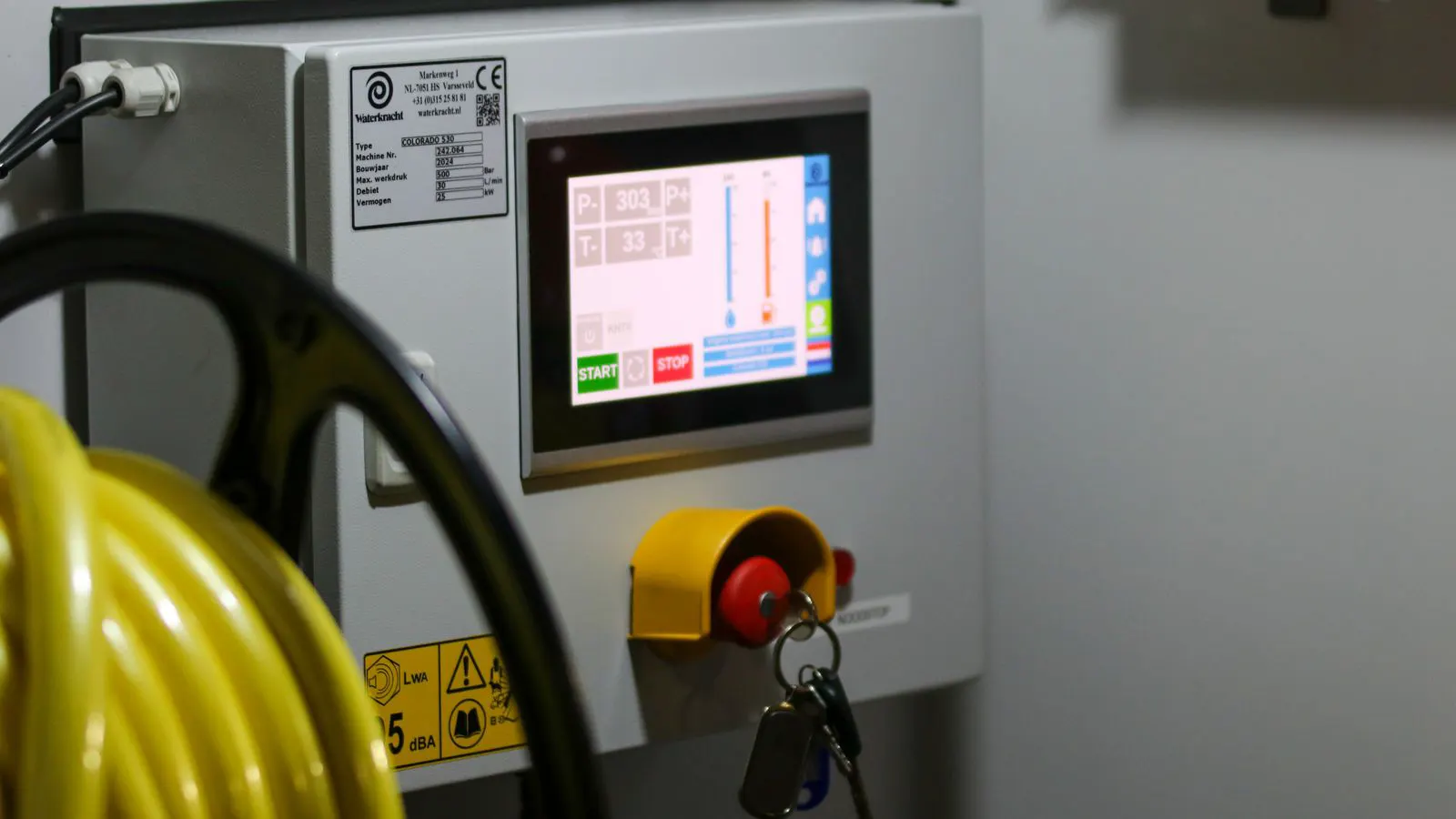
- Test the emergency stop buttons on all panels. Pull each button and verify that the machine stops immediately. Release the button and verify that the machine can restart.
- Verify that the machine doors lock and that the cycle stops when a door is opened. Open each door and verify that the cycle stops. Close the door and verify that the cycle resumes.
- Check that the light curtain or safety mat interrupts motion when broken. Break the light curtain or step on the mat. Verify that the machine stops.
- Inspect the guards and covers for damage or missing sections. Guards protect the operator from moving parts. A missing guard is a serious safety hazard.
- Confirm that the machine is grounded and that the electrical cabinet is clean and organized. Check the ground connection. Inspect the cabinet for loose wires, burnt components, or dust buildup.
Red flags: A door switch that does not stop the cycle. A missing guard. Frayed electrical cables. A control panel with loose screws or exposed wiring. A machine that is not grounded.
Maintenance History and Documentation
The documents that accompany the machine reveal how it was treated. A machine with regular maintenance is worth more than an identical machine that has been abused. Maintenance history is a record of care. It shows whether the owner was responsible or negligent.
- Request the maintenance log. Look for consistent intervals and notes on part replacements. A good log will show that the machine was serviced every 500 hours, every 1000 hours, etc.
- Check the tooling inventory. Are the tools in good condition or heavily worn? Tools are consumable, but heavily worn tools can damage the machine. Check the condition of the tool holders and the tools themselves.
- Review any existing calibration certificates. Calibration certificates verify that the machine was measured and adjusted by a qualified technician. They are valuable documents that prove the machine was in good shape at a specific time.
- Ask for the original purchase order and warranty documentation. These documents can help verify the age and original condition of the machine. They can also help with warranty claims if applicable.
- Verify that the machine serial number matches the control system and the nameplate. A mismatched serial number is a red flag. It may indicate that the machine was refurbished, or that the parts are from different machines.
Red flags: Missing maintenance records. Tools that are broken or missing. A serial number that does not match. No calibration history. A machine that has been modified without documentation.
| Component | What to Check | Acceptable Condition |
|---|---|---|
| Spindle | Runout, noise, taper wear | Runout within tolerance, no vibration |
| Axes | Backlash, squareness, limit switches | Backlash within spec, no drift |
| Hydraulics | Pressure, oil condition, brake response | Stable pressure, clean oil, fast brake |
| Control | Program execution, alarm log, licenses | Clean log, valid software, no errors |
| Coolant | Concentration, sludge, odor | Clear fluid, correct concentration |
| Safety | E-stops, doors, interlocks | All stops and locks functional |
Negotiation and Final Decision
The inspection results should drive the price. If the spindle shows early wear, the machine is not a full-price asset. If the axes have high backlash, the machine may only be suitable for non-critical work. You must value the machine based on its actual condition, not its potential.
Do not let the seller’s enthusiasm override the data. A machine that runs today may fail in three months. The cost of repair, downtime, and lost production far outweighs the savings on a defective unit. If you buy a machine with a bad spindle, you will spend money on a new spindle, a new bearing set, and a new seal. You will also lose production time while the machine is being repaired.
Bring a second opinion if possible. A technician who has not seen the machine before will spot issues that an owner might overlook. An owner who has used the machine for years may be blind to the problems. A fresh set of eyes can identify issues that are easy to miss.
A used machine inspection is a risk management tool. It turns a guess into a calculated decision. When the numbers do not match the price, walk away. There are always other machines to inspect. The goal is to find a machine that is in good condition and priced fairly. If you cannot find one, keep looking. Do not force a bad deal.
Frequently asked questions
How much does a used CNC machine inspection cost?
Costs vary based on the machine size, complexity, and the expertise of the inspector. A basic visual check is cheaper than a full performance test with laser interferometry.
Can I inspect the machine myself without a technician?
You can check basic items like coolant condition, oil levels, and safety interlocks. However, precision checks like runout and backlash require proper tools and training.
What is the biggest risk when buying a used CNC machine?
Hidden wear in the spindle or ballscrews. These components are expensive to replace and are difficult to measure without specialized equipment.
Should I buy a machine with a new control system?
A new control system can extend the life of an older machine and improve usability. However, it must be compatible with the machine's hardware and software.
What documents should I ask for before buying?
Request the maintenance log, calibration certificates, original purchase order, and any existing warranty. These documents verify the machine's history and condition.